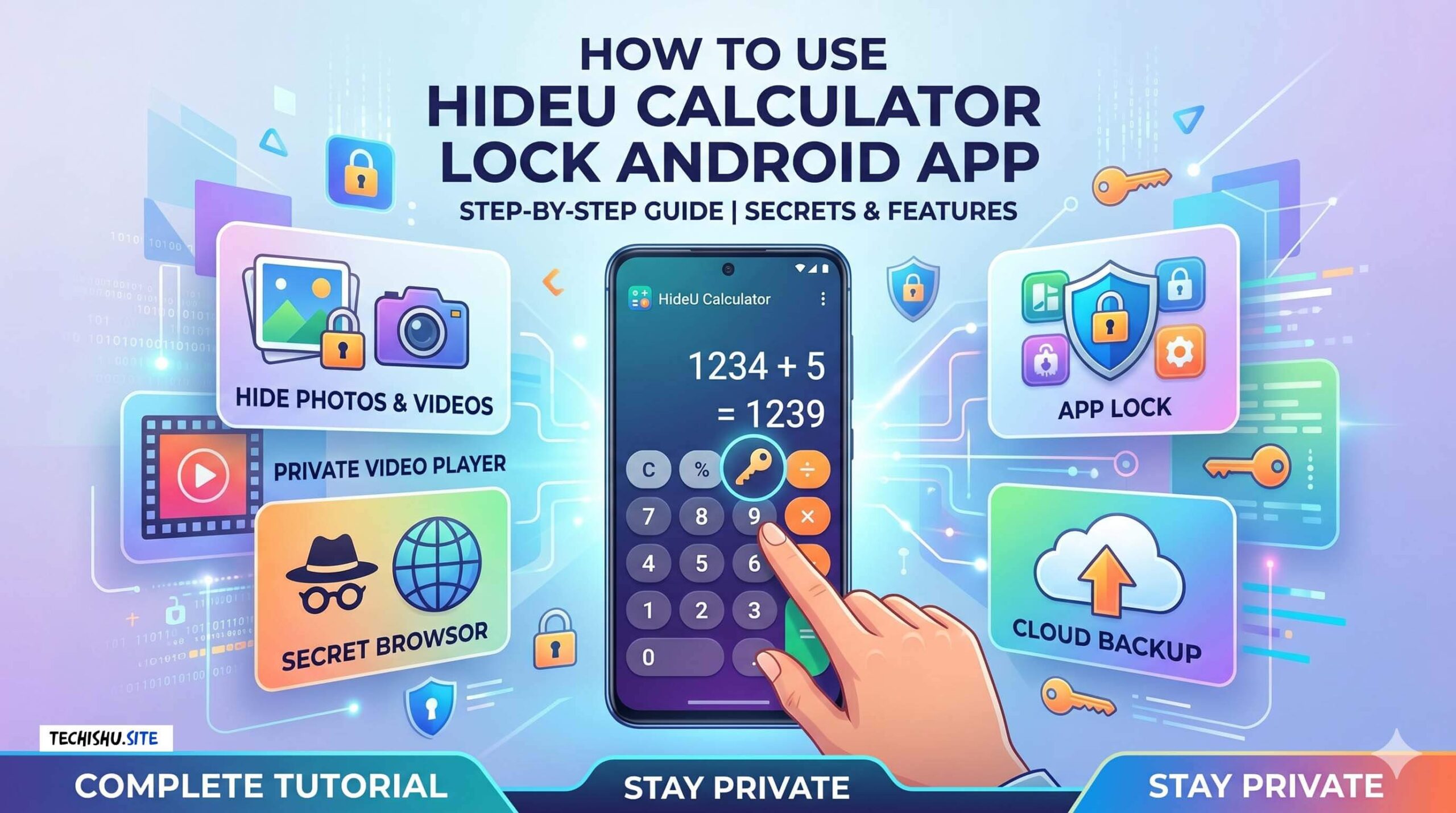
Here is a detailed explanation of how the HideU: Calculator Lock app works, based on the information provided. In short, HideU is a privacy vault disguised as a normal calculator. It creates a secret parallel space on your phone where you can safely hide your personal files from other people.
1. How the App Functions
-
Looks Like a Calculator: On your phone’s home screen, the app’s icon looks exactly like a standard calculator.
-
Works Like a Calculator: If someone opens the app, they can actually use it to do standard math. It will not look suspicious to anyone who borrows your phone.
2. How to Access Your Hidden Files
-
Set a PIN: When you first install the app, you will be prompted to create a secret digital PIN.
-
Open the Vault: To access your hidden files, you simply type your secret PIN on the calculator keypad and press the
=(equals) button. -
Enter the Private Space: Pressing
=acts as the “enter” key, instantly bypassing the calculator screen and opening your secret vault.
3. Key Features Inside the Vault
Once you have unlocked the app, you gain access to several powerful privacy tools:
-
Hide Photos & Videos: You can import media from your regular phone gallery into HideU. Once imported, these files completely disappear from your phone’s standard gallery and file manager.
-
Built-in Media Players: You can view photos, edit images (crop, add filters, text), and watch videos directly inside the hidden app. You don’t need to unhide a video just to watch it.
-
Private Browser: You can surf the internet anonymously. Your browsing history inside this feature remains completely secret.
-
App Lock: You can put a password or pattern lock on other apps on your phone (like WhatsApp or Instagram) to prevent people from opening them.
-
Cloud Service: You can safely back up your hidden files to the cloud to ensure they aren’t lost if you lose your phone.
4. How to Retrieve a Forgotten Password
If you forget the PIN you set, the app has a built-in backdoor for recovery:
-
Type
11223344=into the calculator. -
This will prompt a security question that you set up during installation.
-
Answer the question correctly to reset your password. (If this fails, you can contact their support email from the login screen).
Note: Because HideU securely encrypts and moves your files, do not uninstall the app or clear the app’s data without backing up your files to the cloud first. If you delete the app while files are still hidden inside it, those files will be lost forever.